Answers to all your Questions.
Browse through numerous categories to find what you are looking for, this place has it all
Gmail not sending emails – Step-by-step fix
Published on April 15, 2026 by Fixidia Tech
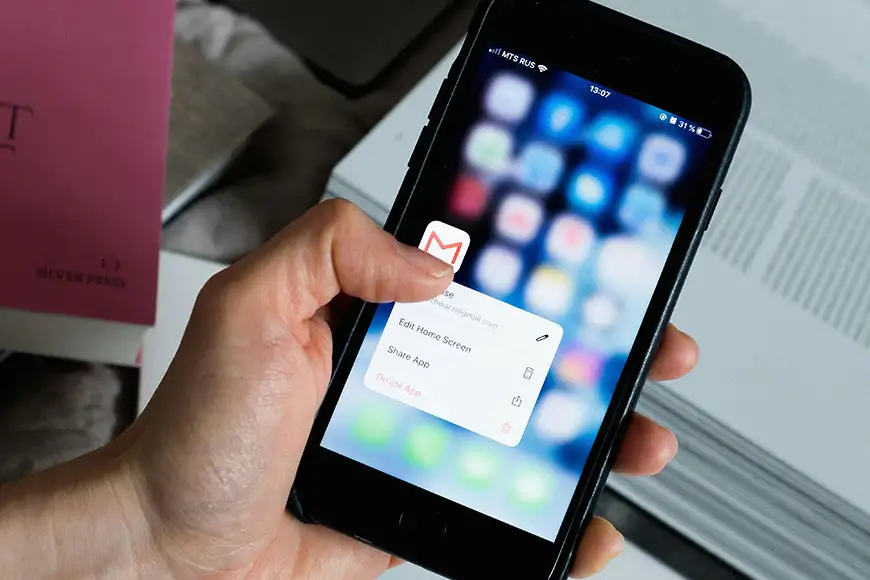
Client is waiting and Gmail not sending emails, you relaize emails are stuck in the outbox or failing to send without any clear error. This problem can occur due to network issues, incorrect settings, and sometimes, account-related restrictions. Let’s find out some practical solutions to fix the problem and get your email working again smoothly.
Before we get to the fixes, here are the most common reasons
Before jumping into fixes, here are the most common reasons:
- Poor or unstable internet connection
- Incorrect email settings or configuration
- Large attachments exceeding size limits
- Account restrictions or security blocks
- Browser issues or outdated app
- Server-side problems
There could be similarities between Gmail problems with incoming emails such as account sync issues or storage related problem, lets see the following points if we can find the actual cause for your current problem.
1. Check your internet connection
A weak or unstable connection can prevent emails from sending.
- Switch between Wi-Fi and mobile data
- Restart your router
- Try opening other websites to confirm connectivity
A stable connection is essential for Gmail or any other internet dependent apps to function properly.
2. Refresh or restart the app/browser
Temporary glitches can stop emails from sending.
- Refresh your browser page
- Close and reopen Gmail
- Restart your device
This simple step often resolves minor issues.
3. Check the outbox folder
If emails are stuck:
- Open the Outbox
- Try resending the email manually
- Edit and resend, this has worked mostly in my case, sometimes when an email is stuck, trying to resend only adds to the traffic jam, but when you edit the email and send again, it works like a new request and gets through.
Sometimes emails fail due to temporary server issues.
4. Verify attachment size
Gmail has a file size limit (usually 25 MB).
- Remove large attachments
- Use cloud storage links instead
Oversized files are a common cause resulting Gmail not sending emails.
5. Disable browser extensions
Some extensions can interfere with Gmail.
- Disable ad blockers or security extensions
- Restart the browser
- Try sending the email again
If it works, re-enable extensions one by one to find the culprit.
6. Clear cache and cookies
Corrupted browser data can cause problems.
- Go to browser settings
- Clear cache and cookies
- Restart the browser
This helps reset Gmail’s functionality in Google Chrome or other browsers.
7. Check gmail storage limit
If your storage is full, you won’t be able to send emails.
- Open Google account storage settings and check if you are close to exhausting 15 GB of your quota.
- Delete unnecessary emails or files
Freeing up space can instantly resolve the issue.
8. Review security alerts
Google may block emails if it detects suspicious activity.
- Check your inbox for security alerts
- Verify your identity if prompted
- Enable access for new devices
This ensures your account is not restricted by Google.
9. Update gmail app (for mobile users)
If you’re using Gmail on a phone:
- Update the app from Play Store or App Store
- Restart your device
Outdated apps can cause sending failures.
10. Try another browser or device
To isolate the issue:
- Open Gmail on a different browser, sometimes your gmail issues is tied up with a faulty browser that is either slow or has a habit of crashing, change the browser but also get your browser fixed as well.
- Try another device
If it works elsewhere, the issue is likely device-specific.
Tips to prevent sending issues
- Keep your browser and apps updated
- Avoid sending large attachments directly
- Regularly clear cache and unused emails
- Use secure and stable internet connections
- Monitor your account for unusual activity
The Gmail not sending emails issue is rare, but you can fix it with the right approach. By checking your connection, clearing browser data, and reviewing account settings, you can quickly restore your email functionality. Remember that when you are facing an issue, there might be others as well, ask the right question while searching for your answer and the internet will surely give you something of use 🙂