Answers to all your Questions.
Browse through numerous categories to find what you are looking for, this place has it all
Smart TV not turning on – Quick and easy fix
Published on April 14, 2026 by Fixidia Tech
Oh its time for the game and you have your pop corns ready, all set and ready to go but you see your Smart TV not turning on, Oh dear that is not what you were hoping for. The screen stays completely black or the TV shows no signs of power. Some times this can be fixed quickly without professional help. Let’s see if we can do it in your case too, through simple, effective steps to diagnose and resolve the problem.
Outline the probable causes
Before diving into solutions, here are the most common reasons why your TV won’t turn on:
- Power supply problems
- Faulty remote control
- Loose or damaged cables
- Internal hardware issues
- Software glitches
- Power board or capacitor failure
1. Check the power source
Start with the basics:
- Ensure the power cable is securely plugged in
- Try a different wall outlet
- Remove any extension boards or surge protectors
Sometimes the issue isn’t the TV but the power supply itself.
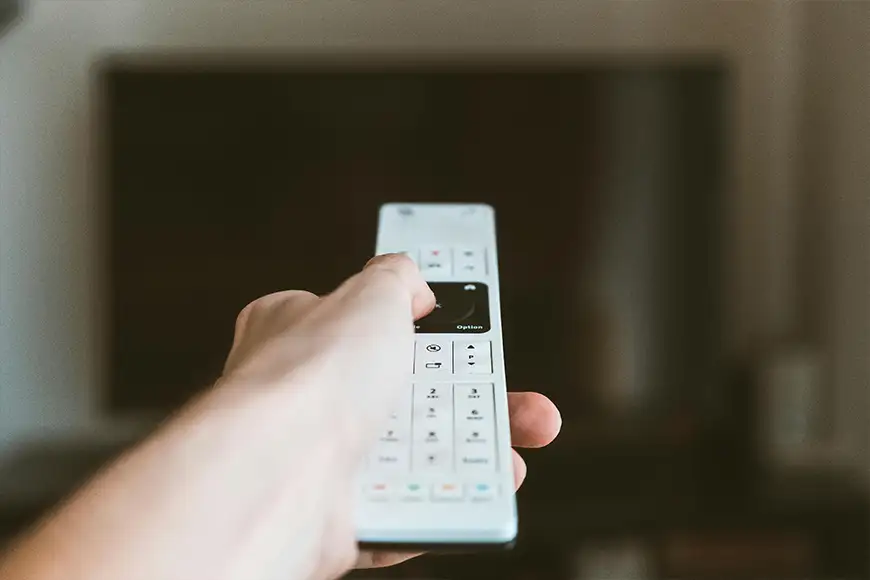
2. Inspect the remote control
A faulty remote can make it seem like your TV isn’t working.
- Replace the batteries
- Try turning on the TV using the physical power button
- Check if the remote’s LED is working
If the TV turns on manually, the remote is likely the issue.
3. Perform a power reset
Power cycling can fix temporary glitches.
- Unplug the TV from the wall
- Wait for 60 seconds
- Press and hold the TV’s power button for 10–15 seconds
- Plug it back in and turn it on
This helps reset internal components.
4. Check for standby light
Most Smart TVs have a standby indicator:
- If the light is on, the TV is receiving power
- If there’s no light, it could be a power supply issue
Different brands like Samsung, LG, or Sony may have different indicator behaviors.
5. Disconnect external devices
External devices can sometimes interfere.
- Remove HDMI cables, USB drives, and gaming consoles, if there is a faulty device attached to your tv that could cause screen flickering or total blackout.
- Try turning on the TV again
A faulty connected device can prevent startup.
6. Check for screen issues
Your TV might be on, but the display isn’t working.
- Look closely for faint images on the screen
- Shine a flashlight to check for backlight issues
If you see dim images, the backlight may be faulty.
7. Try a different power cable
If your TV uses a detachable cable:
- Replace it with another compatible one
- Ensure it’s not damaged or loose
- If the cable has an external power adapter, check that to make sure the adapter is not dead
A faulty cable or a dead adapter can be an obvious reason preventing the TV from powering on.
8. Update or reset software (If Possible)
This option is possible only if your TV turns on intermittently:
- Go to settings and check for software updates
- Perform a factory reset if needed
This helps resolve system-related issues in smart operating systems.
9. Check internal hardware (Advanced)
If none of the above steps work:
- The power board may be damaged
- Capacitors might be faulty
- Internal circuits could be affected
In such cases, professional repair is recommended.
When to seek professional help
If your Smart TV not turning on issue persists:
- No standby light at all
- Burning smell or unusual sounds, oh that is a real problem then.
- TV turns on briefly and shuts off
These signs indicate hardware failure and require expert diagnosis.
Tips to prevent future issues
- Use a surge protector to avoid power damage
- Avoid frequent unplugging
- Keep your TV firmware updated
- Ensure proper ventilation to prevent overheating
- Handle cables and ports carefully
A Smart TV not turning on is often caused by simple issues like power supply faults or minor glitches. You can quickly identify the cause and fix it without hassle if you follow the guide.
If the problem continues after trying all solutions, it’s best to consult a professional technician or contact the manufacturer for support.