Answers to all your Questions.
Browse through numerous categories to find what you are looking for, this place has it all
WiFi not working on dell laptop – Step-by-step fix
Published on April 13, 2026 by Fixidia Tech
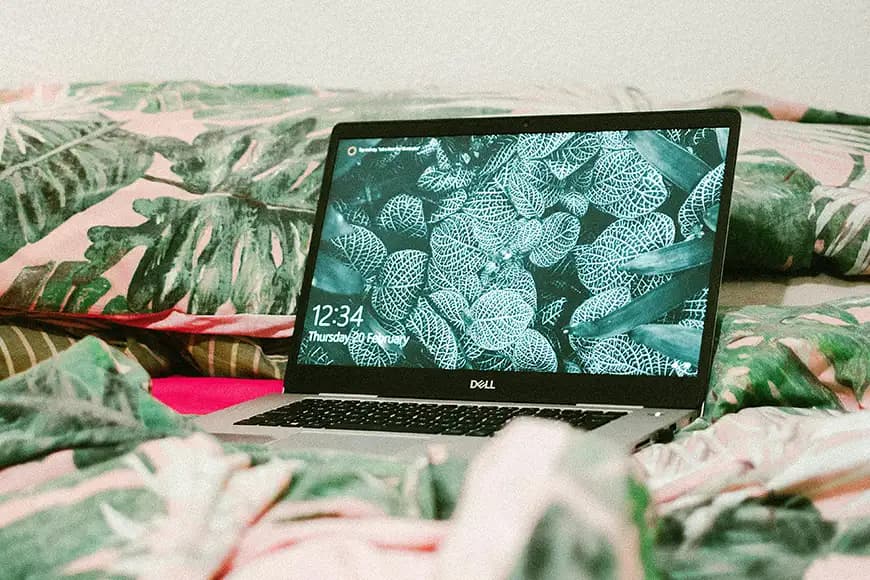
WiFi not working on Dell laptop is a common issue faced by Dell users across models like Inspiron, Latitude, XPS, and Vostro. The issue can appear suddenly after a Windows update, when waking your laptop from sleep, or even without any clear reason.
In some cases, your Dell laptop may not detect any wireless networks at all. In other situations, it connects to WiFi but shows “No Internet,” or disconnects frequently. Most of these issues are not caused by hardware failure. Instead, they are usually related to software settings, drivers, or network configuration — all of which can be fixed at home.
Probable causes and fixes
In this step-by-step guide, we will walk you through practical and easy solutions to fix Wifi issues and restore your connection quickly.
1. Make sure wifi is enabled
Before trying advanced fixes, start with the basics.
Many Dell laptops have a function key that toggles WiFi on or off. Look for a wireless icon on your keyboard (usually on the top row) and press it along with the Fn key. this is also common on other brands like HP or Lenovo.
Also:
- Click the network icon in the taskbar
- Make sure WiFi is turned ON
- Ensure you are not connected to airplane mode
It may sound simple, but this step alone solves many cases where WiFi appears “not working.”
2. Turn off airplane mode
Airplane Mode disables all wireless communication, including WiFi and Bluetooth.
To check:
- Go to Settings → Network & Internet
- Make sure Airplane Mode is OFF
Sometimes it gets enabled accidentally through keyboard shortcuts.
3. Restart your laptop and wifi router
Restarting devices is one of the most effective basic fixes.
Steps:
- Shut down your Dell laptop
- Turn off your wifi router
- Wait 30–60 seconds
- Turn them back on
This clears temporary network glitches and refreshes your connection.
4. Check if the problem is network-specific
Try connecting another device (like your phone) to the same WiFi network.
- If other devices also fail > problem is with router or internet provider
- If only your Dell laptop fails > continue troubleshooting
This helps you identify whether the issue is local or network-wide.
5. Forget and reconnect to wifi
Saved wifi profiles can sometimes become corrupted and result in wifi not working on Dell laptop.
To fix:
- Go to WiFi settings
- Select your network
- Click Forget
- Reconnect by entering your password
This resets your connection profile.
6. Run windows network troubleshooter
Windows has a built-in tool that can automatically detect and fix common network issues.
Steps:
- Go to Settings > System > Troubleshoot
- Select Other troubleshooters
- Run the Network Adapter troubleshooter
It can fix configuration errors without manual effort.
7. Update wifi drivers
Outdated or corrupted drivers are one of the biggest reasons for WiFi not working on Dell laptops.
To update:
- Open Device Manager
- Expand Network Adapters
- Right-click your WiFi adapter
- Click Update Driver
For best results:
- Visit Dell’s official website
- Enter your Service Tag
- Download the latest driver
8. Reinstall the wifi adapter
If updating doesn’t work, reinstalling the adapter can fix deeper issues.
Steps:
- Open Device Manager
- Right-click your wifi adapter
- Select Uninstall Device
- Restart your laptop
Windows will automatically reinstall the driver.
9. Disable power saving for wifi
Windows sometimes turns off the wifi adapter to save battery power.
To fix:
- Open Device Manager
- Right-click WiFi adapter > Properties
- Go to Power Management tab
- Uncheck: “Allow the computer to turn off this device to save power”
This is especially helpful if wifi stops working after sleep mode.
10. Reset network settings
If the issue persists, a full network reset can help.
Steps:
- Go to Settings > Network & Internet > Advanced Network Settings
- Click Network Reset
This will:
- Remove all saved networks
- Reinstall network adapters
- Reset settings to default
11. Use command prompt fixes
Advanced users can repair network settings using command line tools.
Run Command Prompt as Administrator and enter:
netsh winsock reset
netsh int ip reset
ipconfig /flushdns
Then restart your laptop.
12. Check BIOS wireless settings
Sometimes wifi is disabled at the BIOS level.
Steps:
- Restart laptop
- Press F2 during startup
- Look for Wireless settings
- Ensure WiFi is enabled
13. Router compatibility issues
Some Dell laptops, especially older models, may struggle with modern routers.
- Switch to 2.4GHz instead of 5GHz
- Change security to WPA2
- Restart router
14. Windows update problems
If wifi stopped working after an update:
- Go to Update History
- Uninstall the latest update
- Restart your laptop
15. Check for hardware issues
If the wifi adapter is missing completely:
- It may be a hardware failure
- The internal card might need replacement
A technician can inspect and fix this.
16. Temporary internet solutions
While troubleshooting, you can still get online using:
- Ethernet cable
- USB WiFi adapter, if this works then that means your onboard wifi card is not working and needs a repair.
17. How to prevent wifi not working on Dell laptop in future
- Keep drivers updated
- Avoid installing unknown software
- Restart your router regularly