Answers to all your Questions.
Browse through numerous categories to find what you are looking for, this place has it all
Topics
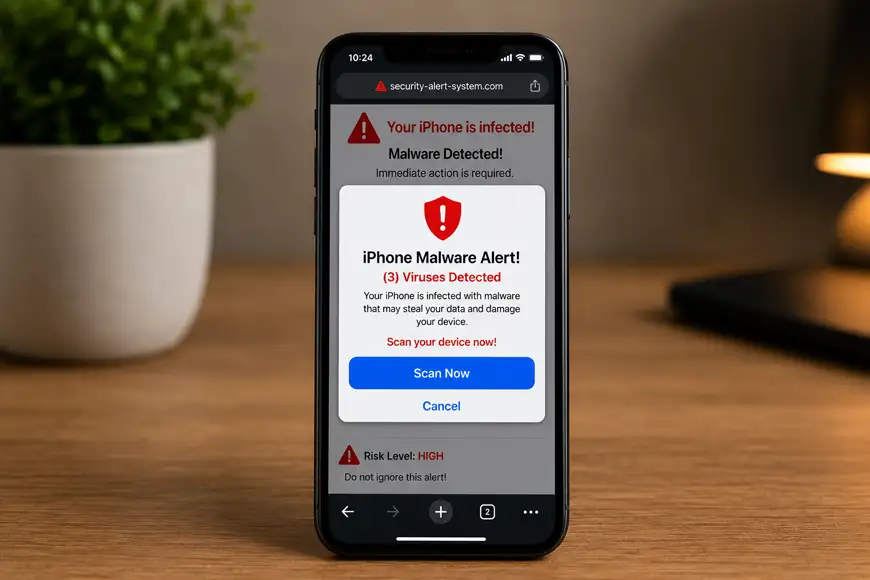
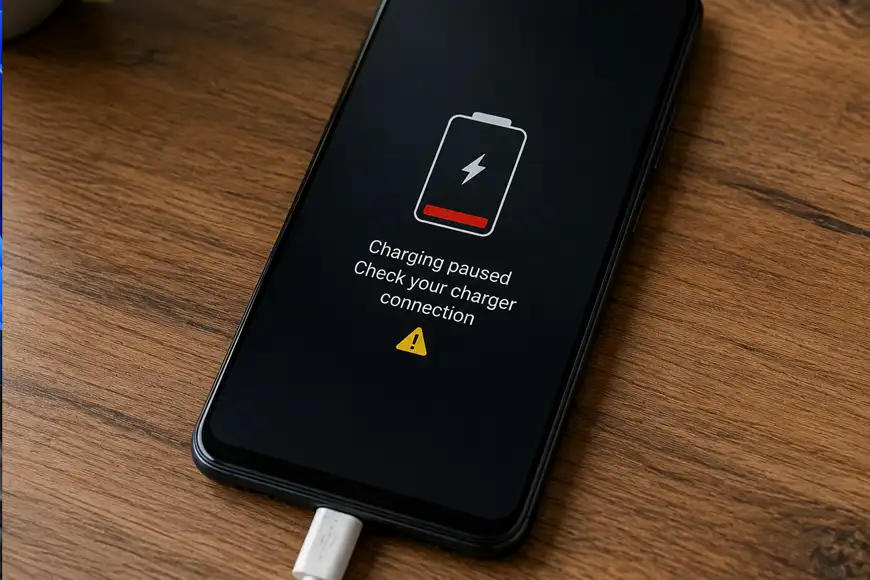
Your phone battery that once lasted at least 2 days, suddenly starts losing power within just a few hours, even with normal use. This usually happens because of background apps, display settings, battery health issues, or system features that consume more power than expected.
16/04/2026
In most cases, the problem is usually caused by ink issues, incorrect settings, or minor software glitches that can be fixed quickly with the right approach.
16/04/2026
The keyboard lights may be working, fans spinning, and sometimes even sounds coming through which means it has even crossed the boot screen and the windows has launched, but the screen stays completely blank.
16/04/2026
You are right in the middle of a project, or perhaps you have just settled in for a long evening of work on your local development environment, and you realize your system is not responding properly.
16/04/2026
Your laptop cannot detect networks, keeps disconnecting, or shows the WiFi option as completely missing. The problem is often related to network settings, drivers, or power management features rather than just general network issues.
16/04/2026
Programs are taking longer to load, your browser might lag, and overall performance feels degraded. These are classic signs that malicious software is running in the background using your system resources to do its own thing. This issue can be resolved without reinstalling your system. With the right approach, you can remove threats and restore normal performance.
16/04/2026
You may notice that emails are delayed, missing, or not arriving at all. In many cases, this problem isn’t due to Gmail being down but rather small configuration or may be some storage within your account.
16/04/2026
Let us hope that your Smart TV screen flickering issue is caused by some minor connection problem, or temporary glitch rather than serious hardware failure. Read this guide to fix it and enjoy the movie with your fiends.
16/04/2026